
What Is an SSL Certificate and How to Check Your Site
What is an SSL certificate, in plain words: what it does, how to check if your website has one and a checklist to review it yourself.
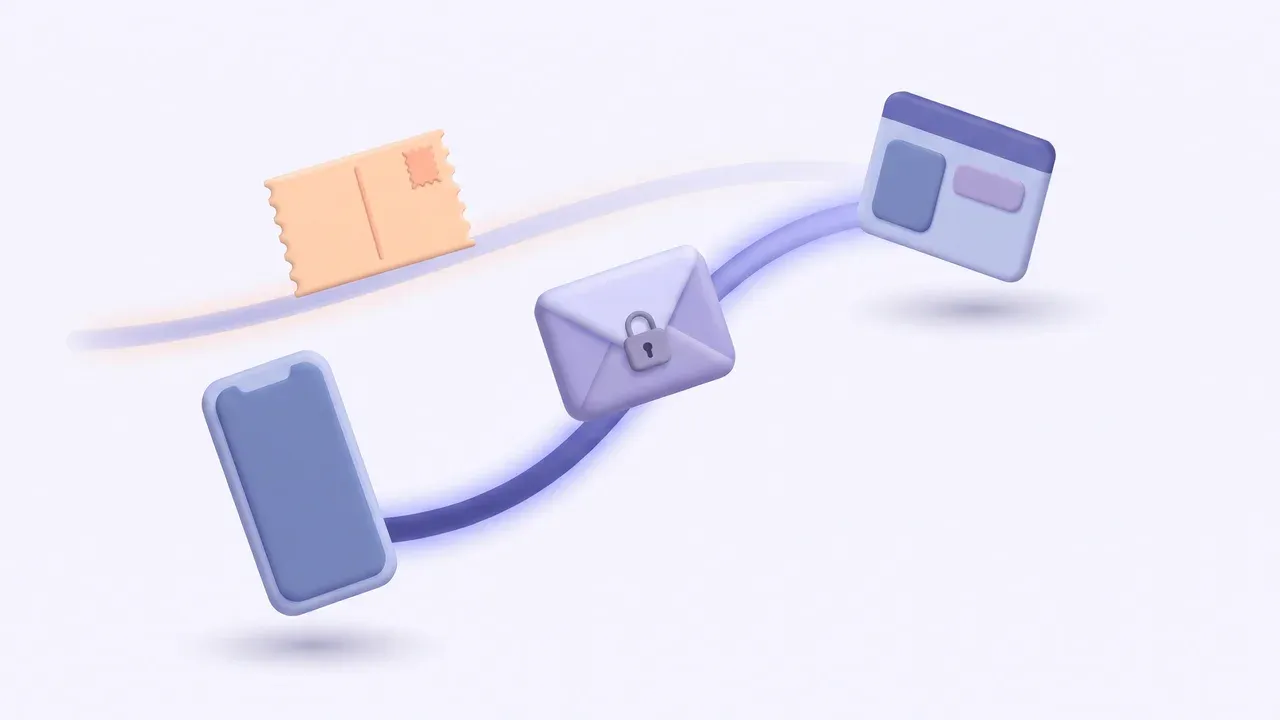
If you are wondering what is an SSL certificate, here is the short answer: it is what makes the connection between your website and the person visiting it travel encrypted, so no one along the way can read or change what is being sent. It is the reason a web address starts with https instead of http. In this article I explain what it does in simple words, what it does not do, how to tell in a minute whether your site has one, and I leave you a checklist so you can review it yourself.
What an SSL certificate is, in plain words
Think about two ways to mail a message. One is a postcard: anyone who handles it along the way can read it. The other is a sealed envelope: only the person who receives it opens it. A website without a certificate works like the postcard. A website with a certificate works like the envelope.
The certificate does two jobs:
- It encrypts the connection. What a visitor types into your contact form, for example their name and phone number, travels protected.
- It confirms the address. The certificate is issued for a specific domain, such as yourbusiness.com. That way the browser can check that the site that opens really belongs to that address.
A quick note on names: the technology used today is called TLS, which is the modern version of SSL. Almost everyone, hosting companies included, still says “SSL certificate.” For you, it is the same thing.
Why it matters to your business
What your customer sees. If your site has no certificate, the browser warns people. According to Google Chrome’s official help, when a site does not use a private connection, Chrome marks it as “Not secure” and explains that someone may be able to view and change the information sent through that site. A customer who sees that warning right before reaching out to you has one more reason to leave.
Your forms. If your website asks for information, even just a name and an email address, that information deserves to travel protected. A contact form is the heart of many websites, and I explain it in more detail in the parts of a website.
Google. In 2014 Google announced it would start using HTTPS as a ranking signal, and it made clear that it was a very lightweight signal, carrying less weight than high-quality content. Put plainly: a certificate will not move you up on its own, and no one can guarantee you a position. But not having one is an oversight that makes no sense to keep dragging along.
What the certificate does not do
So you don’t expect what is not going to happen:
- It does not say your business is trustworthy. The padlock means the connection is private, not that the company is honest. Chrome’s own help suggests checking the site name in the address bar before sharing sensitive information, even on a secure connection.
- It does not protect your website from everything. A weak password on your admin dashboard or software that is never updated are separate risks.
- It does not last forever. Certificates have an expiration date and need to be renewed on time.
How to tell if your website has an SSL certificate
You don’t need to be technical. Run this test from your phone and from a computer:
- Type your address without “https.” Just yourbusiness.com. Look at what shows up in the address bar once it loads.
- Look at the icon to the left of the address. If the browser shows “Not secure” or a warning, your site has no certificate or has a problem with it.
- Tap or click that icon. The browser shows you whether the connection is secure and, in the detail options, which domain the certificate was issued for.
- Try it with “www” and without “www.” Both versions should open your site securely or send you to the correct version.
- Open several pages, not just the home page. Check your contact page, your services page and any page with a form.
If you see a warning in any of those steps, take a screenshot that shows the date. It will help you explain the problem to whoever manages your website.
A made-up example: a photography studio
Imagine a photographer in Columbus who has had her website for a few years. A client texts her to say she was about to fill out the form, but her browser told her the site was not secure. The photographer checks and sees that the home page opens fine with https, but the booking page, which was added later, still opens with http. She also finds out that no one knows where the certificate gets renewed, because it was set up by someone who no longer works with her.
What she would need to do, in order: find out which company hosts her website and who has access to that account; ask for every page to open with https and for the old http version to send visitors automatically to the secure one; confirm that the certificate renews automatically; and put a recurring review on her calendar.
This case is made up. It is not about any real client and it promises no results. It helps show that the problem is rarely “having no certificate,” but having it only partly set up or not knowing who takes care of it.
Checklist to review your website’s certificate
Answer yes or no:
- Does my website open with https on my phone and on my computer?
- If I type the address with http, does it take me to the https version on its own?
- Do the www and non-www versions work the same way?
- Do the pages with forms open without “Not secure” warnings?
- Is the certificate issued for my domain and not for another one?
- Do I know who manages my web hosting, and do I have access to that account?
- Does the certificate renew automatically?
- Is the domain in my name and paid up? If the domain expires, the certificate won’t save you. I explain this in how to choose a domain name for your business.
- Does someone review the website from time to time to catch warnings?
Every “no” is a specific task. If you want an extra alert when Google detects problems on your site, it is worth learning what Google Search Console is used for.
Frequently asked questions
What is an SSL certificate?
It is a file installed on the server that hosts your website. It encrypts the connection with the people who visit and confirms that the site belongs to your domain. Thanks to it, your address starts with https.
How do I know if my website has an SSL certificate?
Open your website and look at the address bar. If the browser says “Not secure” or shows a warning, you don’t have one or there is a problem with it. If no warning appears, click the icon next to the address to confirm the connection is secure.
Will an SSL certificate help me rank better on Google?
Not on its own. Google treats it as a lightweight signal, with less weight than your content. It helps keep your website in order, but no one can guarantee you a position.
Does my website need a certificate if I don’t sell anything online?
Yes. A contact form alone means there is information to protect, and without a certificate the browser tells your customer that the site is not secure.
If you are still putting together your online presence, start with what a website is and what yours should have. When I build a website, I leave it connected to your domain; here you can see how I handle web design and domains. If your website shows a “Not secure” warning or you don’t know who takes care of it, send me a message and I will take a look with you.